Built for Texas-style 9-pin

Your club. Your game. League night, organized.

9-Pin Scorer brings league setup, live scoring, and club records together in one app made for the way your club already plays.

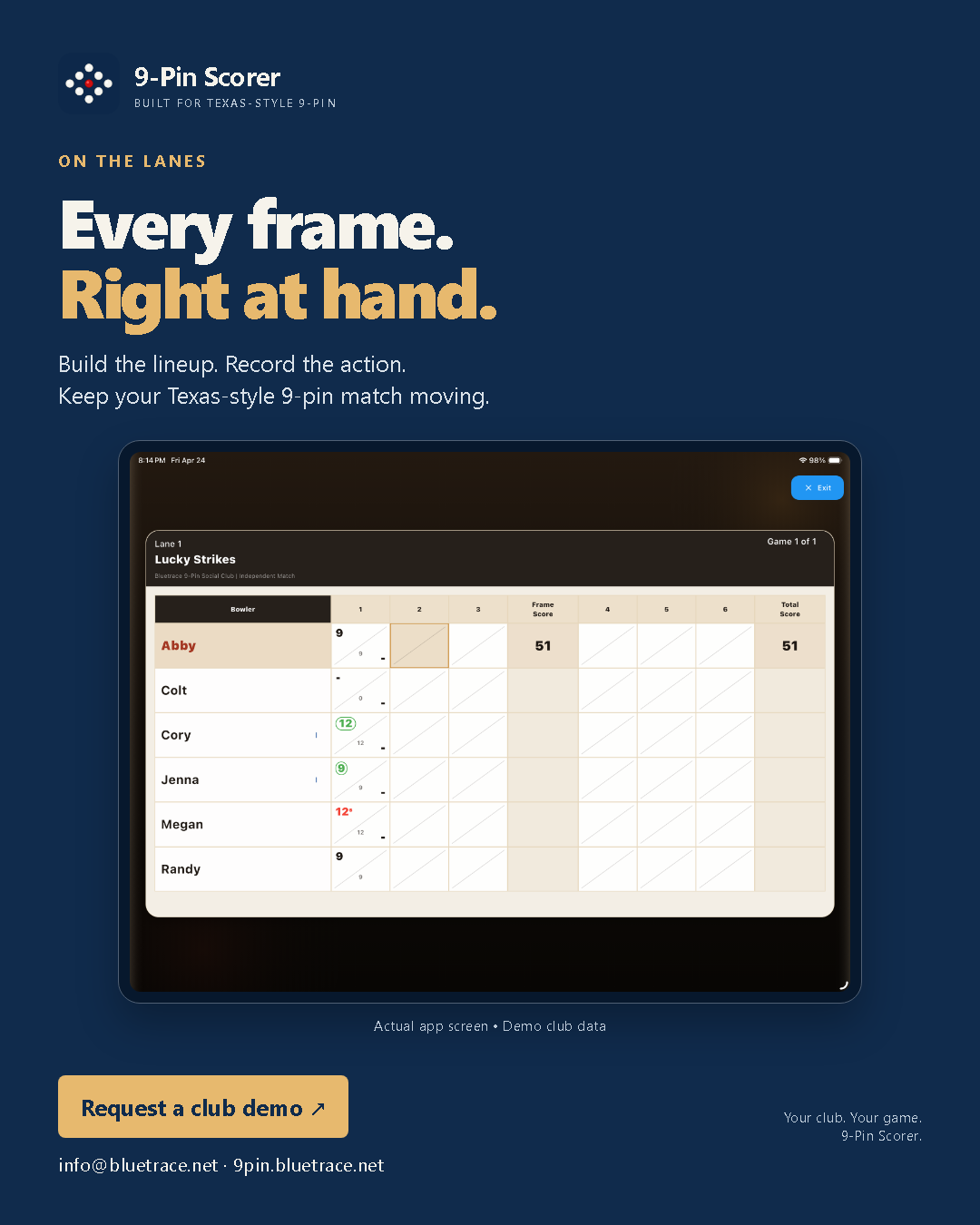
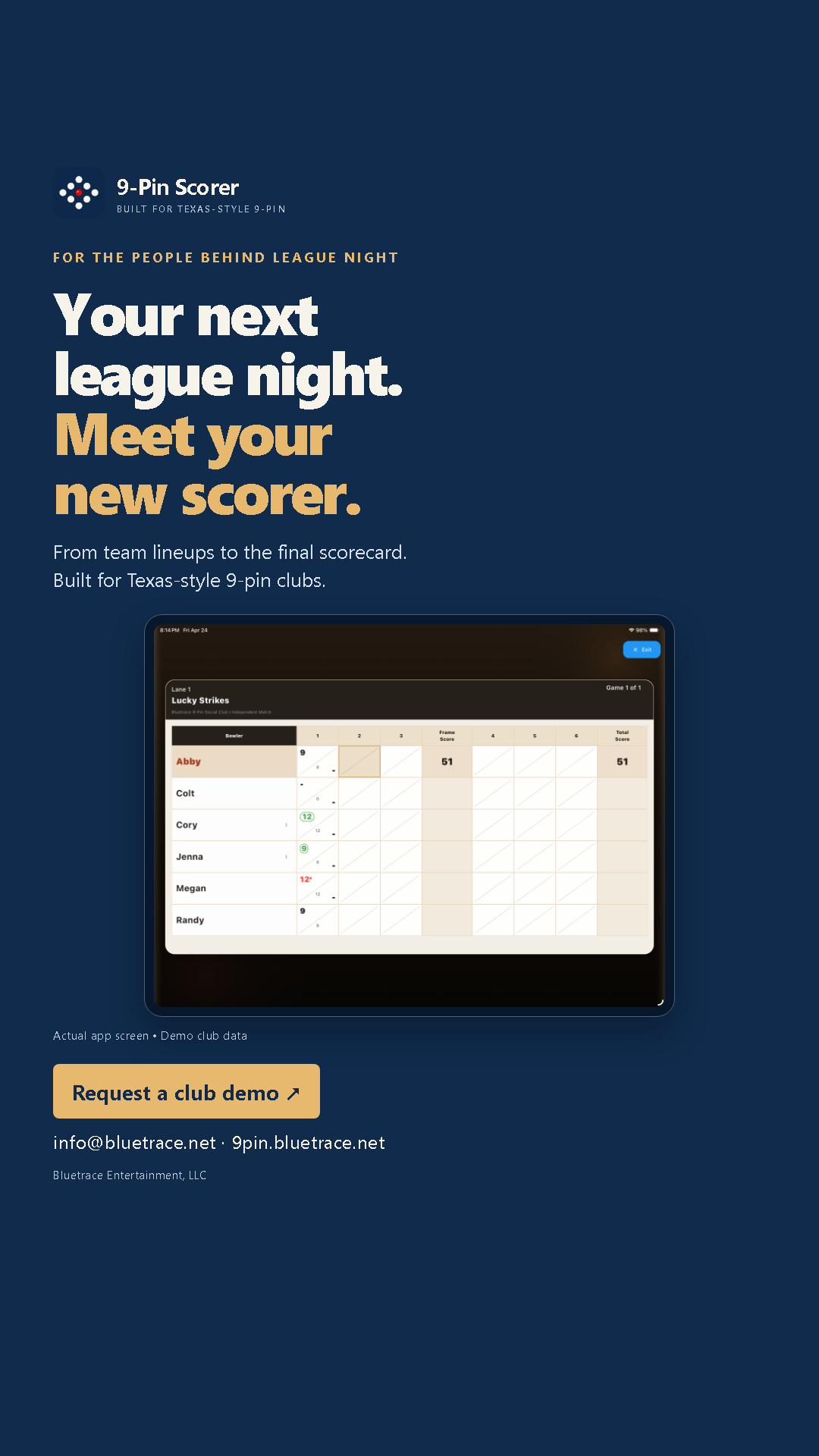
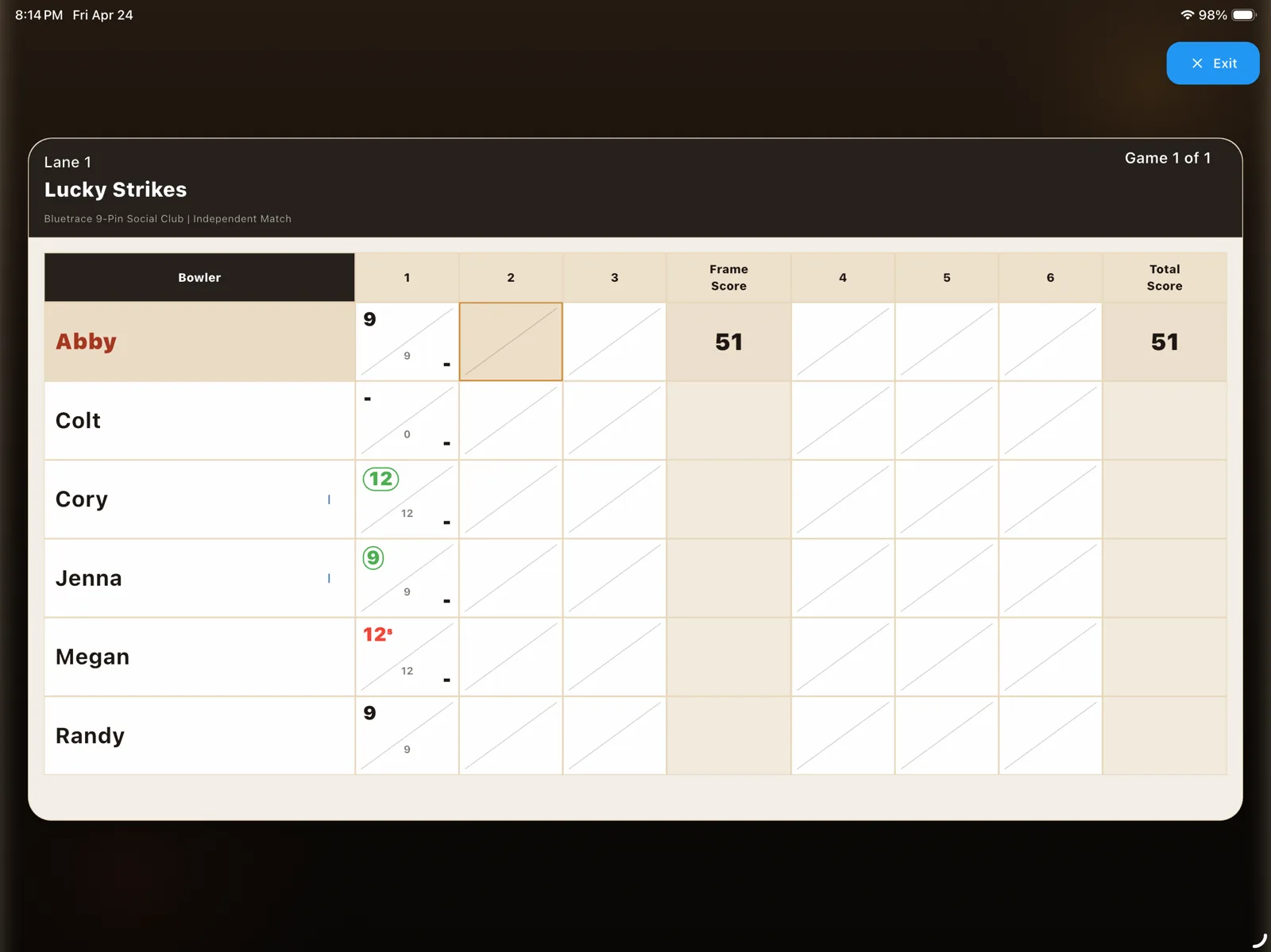
9-Pin Scorer live scoring screen showing a team scorecard with frames, ringers, and running totals
Live scoring on iPad, with the scorecard ready to show on a compatible TV.
6frames a game
6bowlers a team, caller picks each frame
R9all nine down, 9 points
R12red pin left standing, 12 points
3frames, then switch lanes

Team scores, three-game series, your club's rules. No 10-pin workarounds.

Watch

See 9-Pin Scorer in action

A quick look at league night, from setup to the final score.

Before league night

Plan the whole season once

Set up the club, then let the schedule do the work every week.

  • Leagues, teams, bowlers, and lane assignments in one place
  • Paste a roster in from a spreadsheet
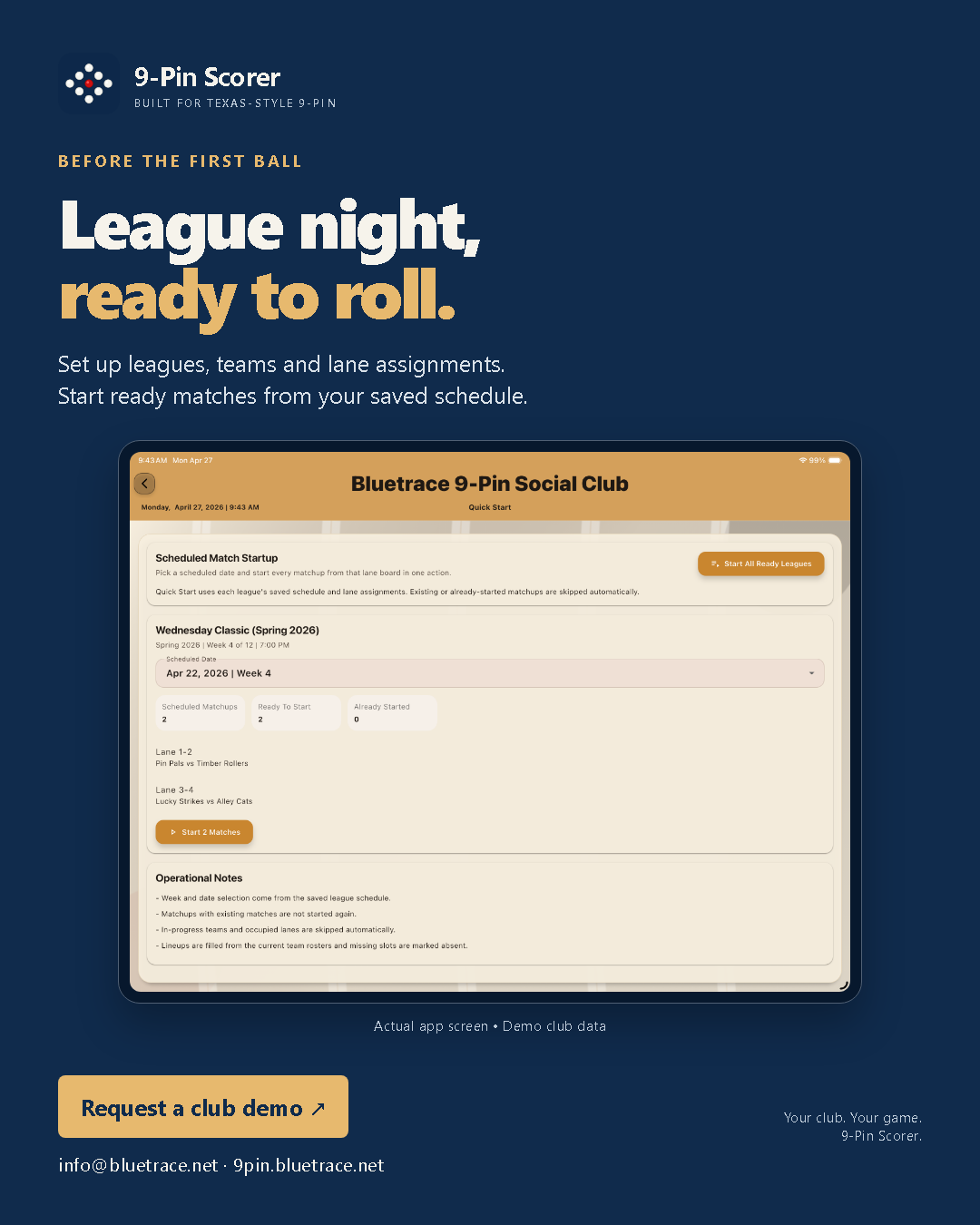
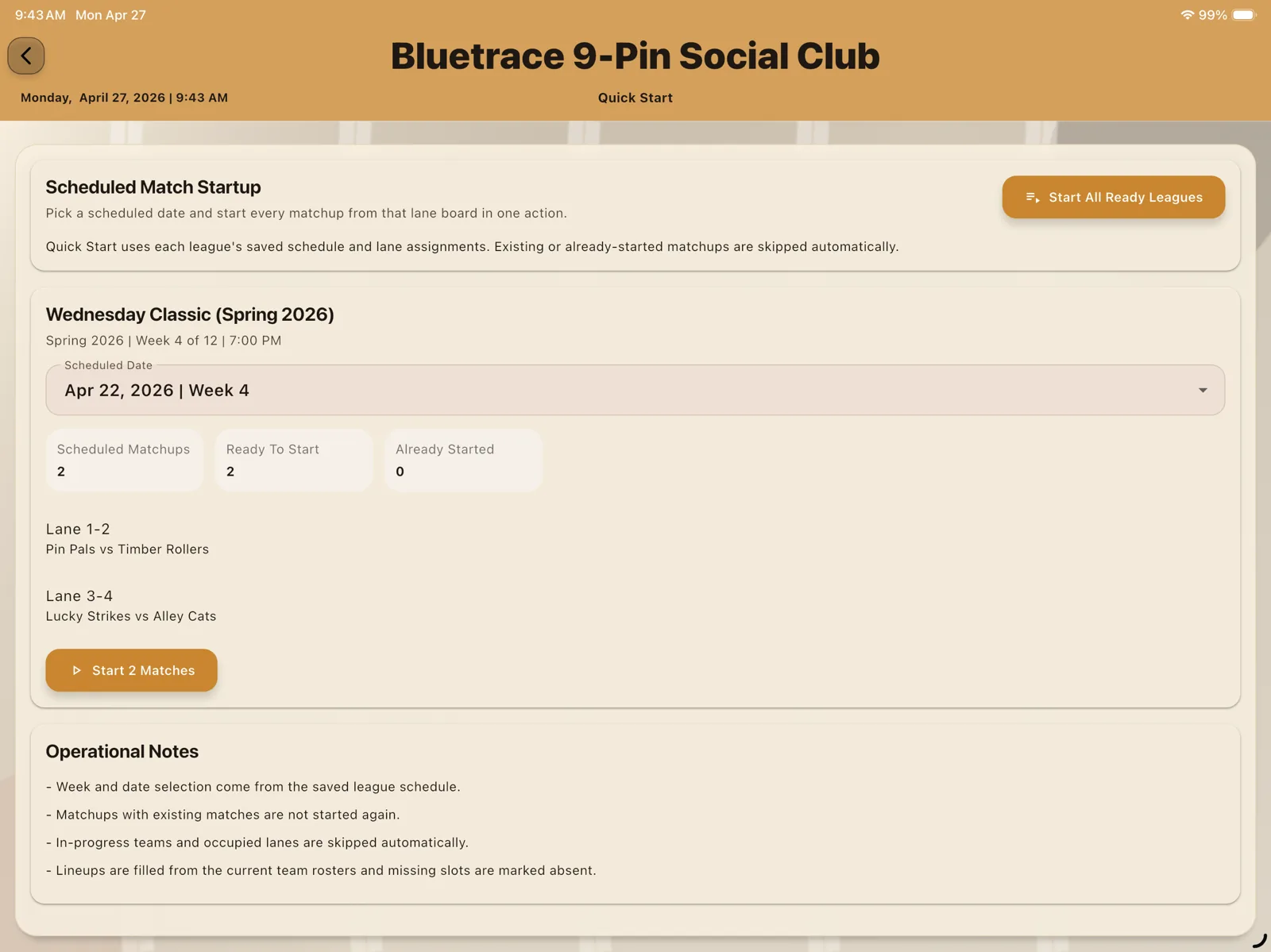
  • Start the night's matches straight from the saved schedule
Quick start screen listing the night's scheduled matches ready to begin
On the lanes

Score it as it happens

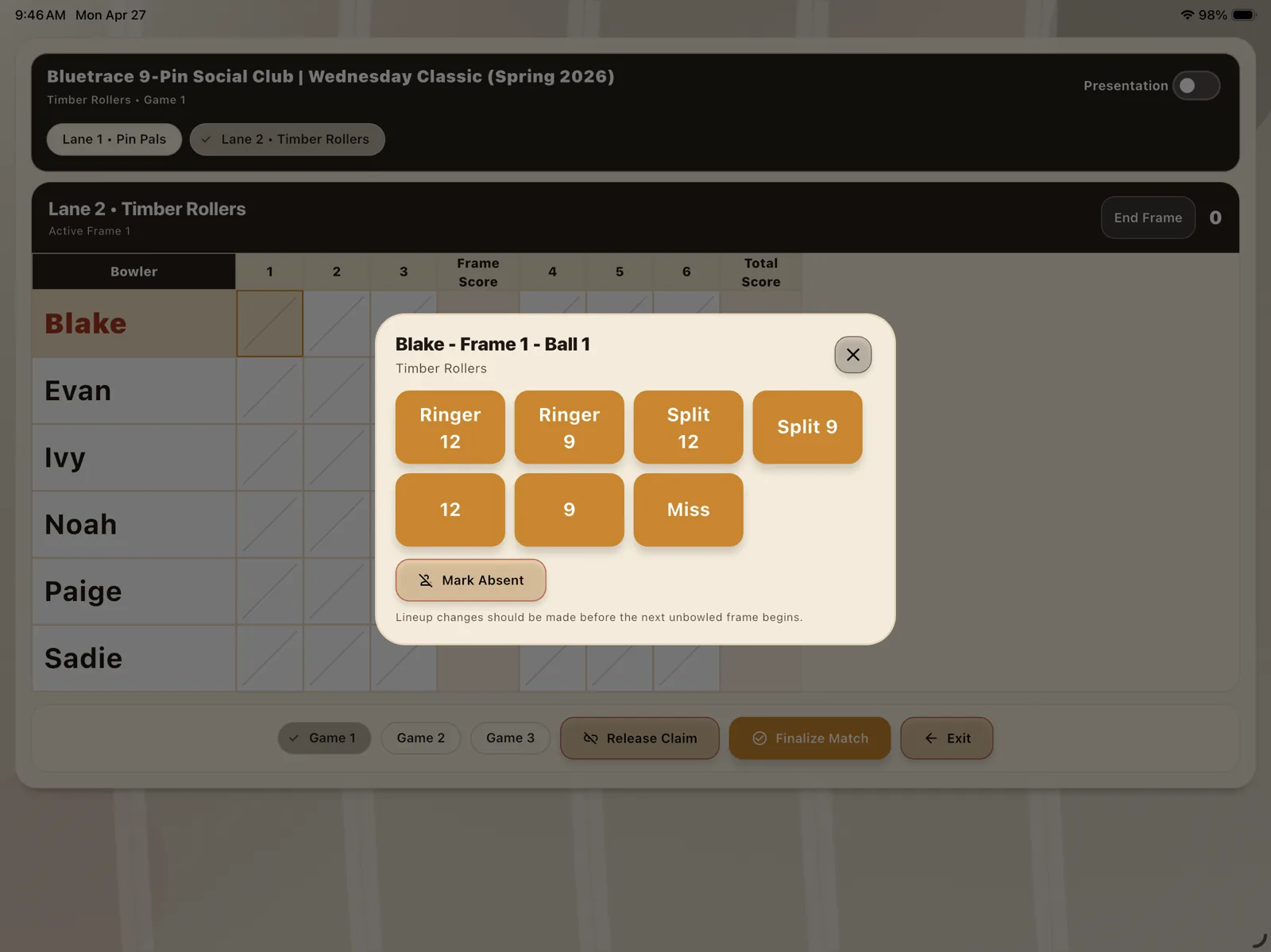
Scorekeepers tap who is bowling and what fell. The app does the math.

  • Lineups with substitutes and absences
  • Ringers and Ringer 12s counted for you
  • Lane scores on compatible TV setups
Scorepad for entering a ball, with pin buttons for ringer, ringer 12, and pin counts
After the last ball

Keep your club's record

Every match is saved, so you can look back instead of digging through paper sheets.

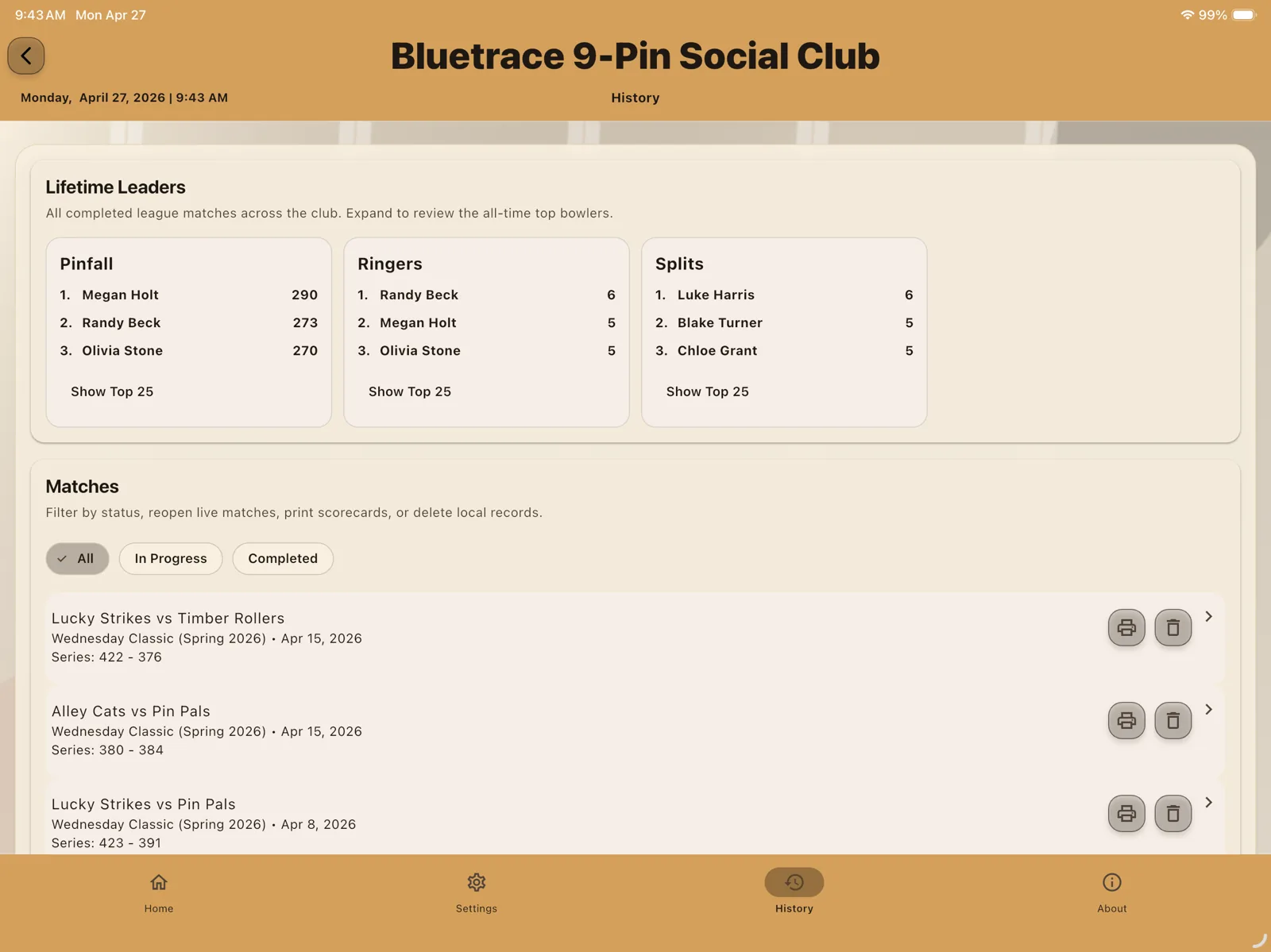
  • Match history and lifetime leaders
  • Bowler stats by league and season
  • Printed scorecards and backup exports
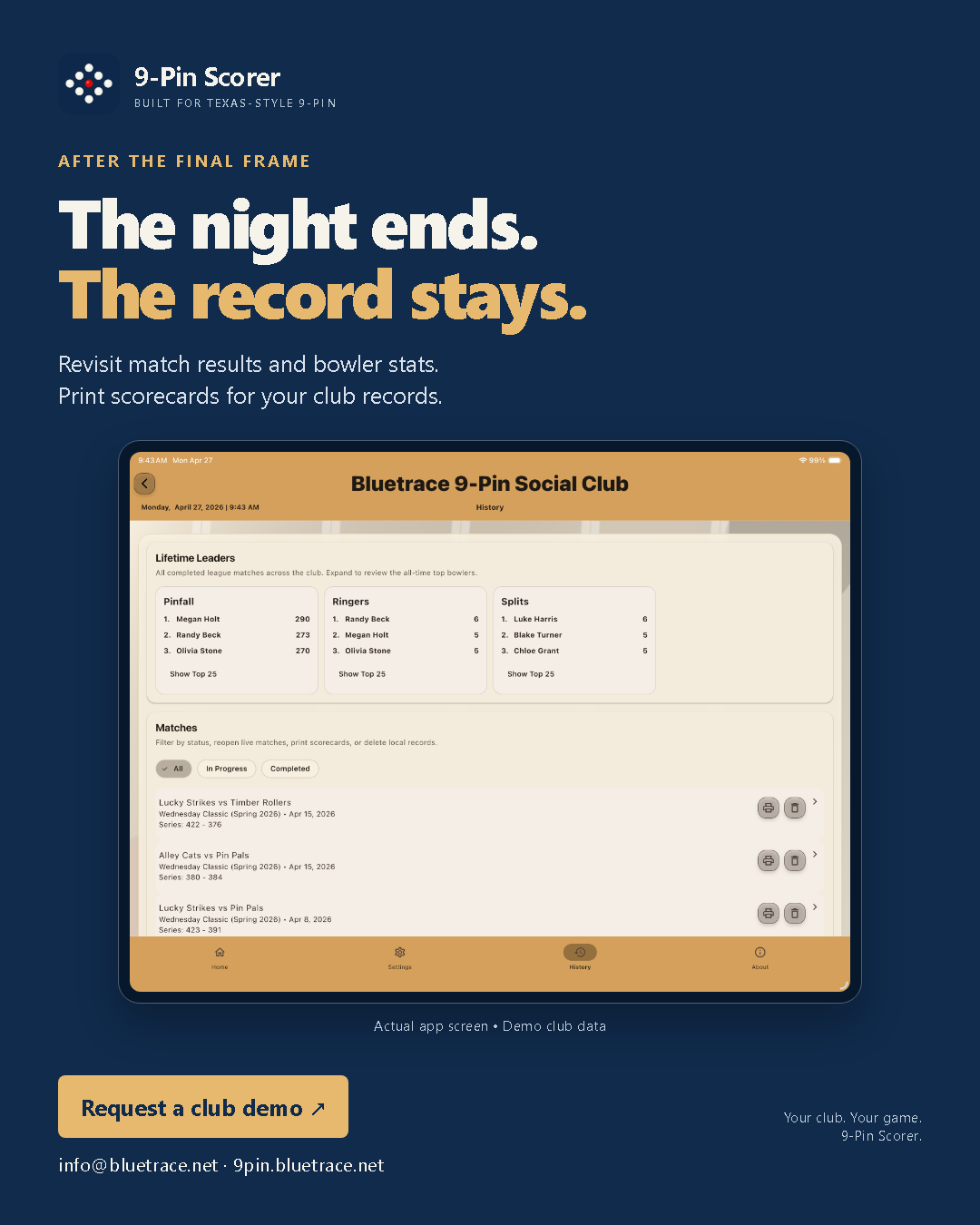
History screen showing lifetime leaders and past matches
Who uses what

One club, clear roles

Admin deviceofficersManages leagues, teams, schedules, and club settings.
Scorekeeper tabletlanesLocked to its assigned lanes, so league night stays simple.
Lane TVoptionalShows the live score for bowlers and spectators.
What you'll need

Hardware you may already have

  • Admin device: a Windows PC or Android tablet
  • Scorer tablets: iPad, Android tablet, or Windows PC
  • A center license, starting with a free 90-day trial (activated online on your admin device)
  • Club Wi-Fi or an internet connection to keep devices in sync
  • Optional: a TV per lane pair and a printer

TV options depend on your setup. We'll walk through your club's devices and displays during the demo.

Get the app

Download 9-Pin Scorer

Install it on your club's admin PC, then tap Start 90-Day Free Trial when it opens. No key, no credit card. The trial covers up to 8 club devices.

New to 9-Pin Scorer? Follow the step-by-step setup guide from install to your first league night.

Windows Windows 10 / 11

64-bit installer

Download for Windows

SHA-256: shown after the installer is published

iPad Scorer tablets

iPad 9-Pin Scorer Companion App

Download on the App Store

Android Admin or scorer

Android tablet app for your admin device or scorer tablets

Get it on Google Play

If Windows says "Windows protected your PC": click More info, then Run anyway. Windows shows this for new apps it hasn't seen many installs of yet. Only download the installer from this page.

Questions clubs ask

How licensing works

What do we get in the free trial?

The full app for 90 days on up to 8 devices: your admin device plus 7 scorer tablets. Tap Create a Club, then Start 90-Day Free Trial. No key, no account, and no credit card.

What happens when the trial ends?

The app stops allowing new matches, scoring, and setup changes on every device. Your club's records stay on your devices, and you can still view and export them. Once your center has a license, enter the key on the admin device and pick up where you left off.

How is a club license priced?

Licenses are sold per center, not to individual bowlers, and set how many devices the center can use. Request a demo or email info@bluetrace.net and we'll put together a quote for your center.

How many devices does a license cover?

A center license covers a set number of devices, counting your admin device. Only the admin device enters the license key. Scorer tablets join by scanning a setup code from the admin device and need no key; the admin device keeps count. Need a second admin device? It takes its own Admin Only license. If you replace the admin device, deactivate the old one or ask us to move the license.

Do we need internet on league night?

The admin device needs the internet once to activate, and checks its license from time to time after that. Scorer tablets never need the internet. League night itself runs on your club's Wi-Fi. If a tablet drops off, its scores are saved and sync when it reconnects.

Where is our club's data kept?

On your club's devices. Rosters, schedules, and scores are stored locally, and you can export a backup at any time. If you turn on online sync, club data also syncs through our cloud service. See the privacy policy for details.

Do bowlers need the app?

No. Only the devices your club uses to run league night need it. Bowlers follow along on the lane TVs or the printed scorecards.
See it on your lanes

Request a club demo

We'll walk your officers through a league night in the app and talk through your club's devices and TV setup.

Prefer email? Write to us at

For club officers

Share it with your club

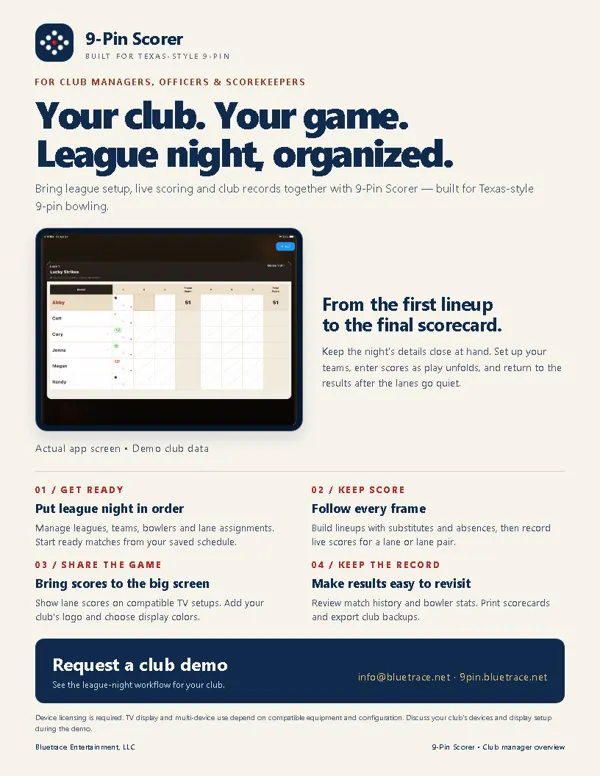
Print the flyer for your bulletin board, or post these graphics on your club's page. Tap any item to download the full-size file.